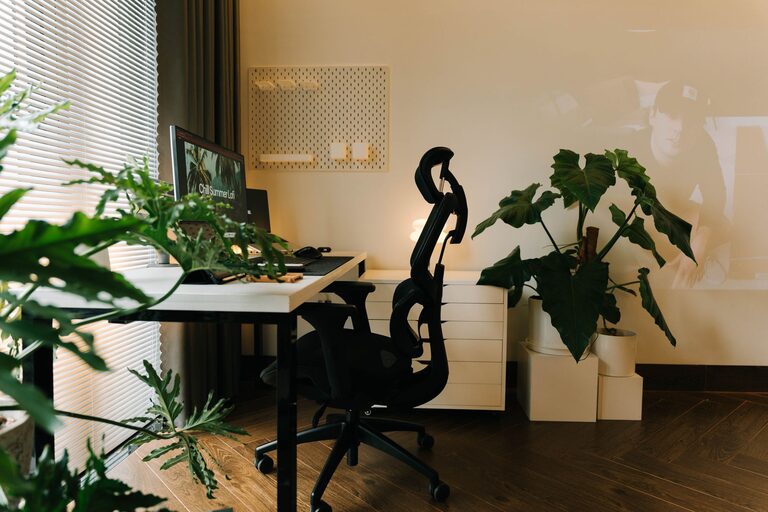
Creating a relaxing home workspace is essential for maintaining productivity and comfort, especially in today’s world where many people work remotely. A well-designed workspace can reduce stress, increase focus, and make your work hours more enjoyable. If your current setup leaves you feeling distracted or uncomfortable, these tips will help you create a peaceful and efficient environment tailored just for you.
Why a Relaxing Workspace Matters
Your work environment affects your mindset and efficiency. An uncomfortable or cluttered space can lead to distractions, fatigue, and lower work output. Conversely, a calming and organized workspace promotes clear thinking and sustained focus. When your surroundings feel inviting and peaceful, you’re more likely to stay motivated throughout the day.
Choosing the Right Location
Start by selecting the ideal spot in your home for your workspace. Ideally, this area should:
– Have good natural light to reduce eye strain and boost mood.
– Be away from heavy foot traffic or noisy areas to minimize distractions.
– Offer enough space for your desk, chair, and necessary equipment.
If possible, avoid working from your bed or couch as these locations can blur the line between rest and work.
Invest in Comfortable Furniture
Comfort plays a major role in how relaxed and productive you feel. Consider the following:
– Ergonomic Chair: An adjustable chair that supports your lower back helps prevent discomfort during long hours.
– Proper Desk Height: Your desk should allow your elbows to rest at about a 90-degree angle when typing.
– Footrest: If your feet don’t rest flat on the floor, use a footrest to improve circulation.
– Monitor Position: Place your monitor at eye level to avoid neck strain.
Optimize Lighting
Good lighting reduces eye strain and enhances alertness.
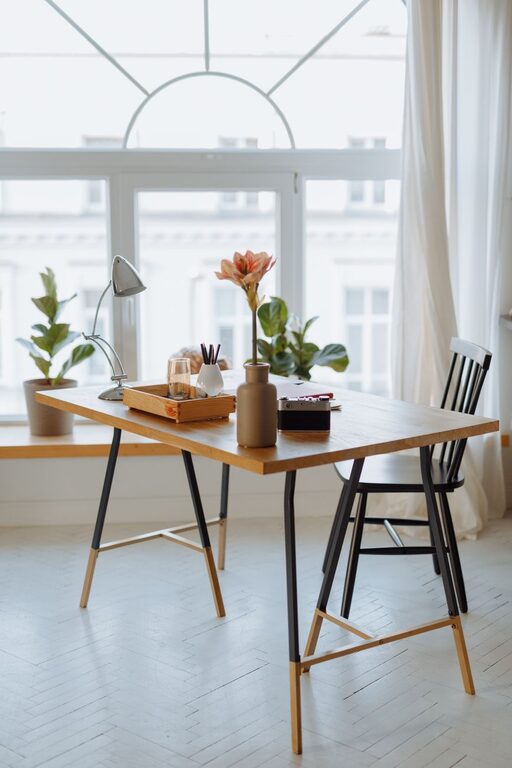
– Natural Light: Position your desk near a window if possible.
– Task Lighting: Use a desk lamp with adjustable brightness for focused work.
– Avoid Glare: Arrange your monitor and light sources to prevent screen reflections.
Declutter and Organize
A tidy workspace minimizes distractions and helps you find things quickly.
– Daily Cleanup: Spend a few minutes at the end of each day organizing your space.
– Storage Solutions: Use shelves, drawers, or bins to keep supplies neat.
– Limit Decorations: Keep personal items that inspire you but avoid overcrowding.
– Cord Management: Use clips or sleeves to organize cables and reduce mess.
Add Calming Elements
Incorporate items that bring a sense of calm and personal touch:
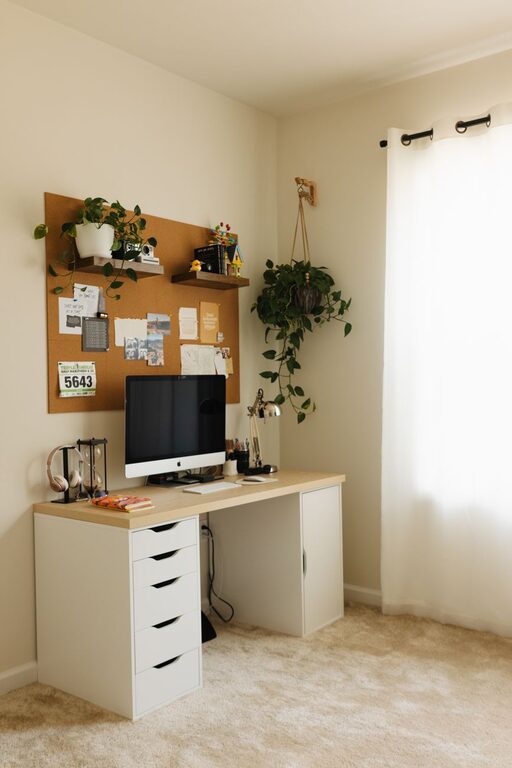
– Plants: Greenery adds life and can improve air quality.
– Aromatherapy: Use subtle scents like lavender or eucalyptus to promote relaxation.
– Artwork: Hang inspiring images or prints that make you feel positive.
– Soft Textures: A cushion or throw can add comfort and warmth.
Create a Routine and Boundaries
Designating specific work hours and breaks helps you stay balanced.
– Set a Schedule: Consistent start and stop times improve focus.
– Take Breaks: Short breaks every hour refresh your mind.
– Separate Work and Rest: When the workday is done, shut down your workspace if possible.
Use Sound Wisely
Noise can affect concentration, so consider these tips:
– Noise-Canceling Headphones: Useful if you have background noise.
– Ambient Music: Soft instrumental music can enhance focus.
– White Noise: Some people find this helps block distracting sounds.
Personalize Without Overdoing It
Make your workspace feel like your own while avoiding clutter:
– Choose colors that you find soothing, like soft blues or greens.
– Display a few meaningful items, such as photos or awards.
– Keep the space functional first, then add personality.
Incorporate Technology Thoughtfully
Technology tools can either help or hinder your productivity.
– Use Cable Organizers: Keep power cords tidy.
– Optimize Devices: Ensure your computer and other gadgets are updated and running smoothly.
– Limit Notifications: Turn off non-essential alerts to stay focused.
Maintain Good Posture and Movement
Physical comfort is key to both relaxation and productivity.
– Adjust your chair and desk to support good posture.
– Stretch regularly to reduce stiffness.
– Consider using a standing desk or alternate between sitting and standing.
Final Thoughts
A relaxing home workspace is a combination of comfort, organization, and personal touches. By thoughtfully designing your environment, you create a space where you can focus easily and feel at ease. Remember, small changes often make a big difference, so start with one or two adjustments and build from there. Your perfect workspace awaits!
—
By following these tips, your home workspace will become a place where productivity and comfort work hand in hand. Enjoy the benefits of a calm and efficient spot dedicated to your success.